
iMessage
Updated Nov 18, 2026
To use iMessage with 12Times, you need a Mac that stays on, such as a Mac mini at home or in the office. Your AI Sales Twin works through iMessage on the Mac, and you manage everything from the 12Times app on your phone.
What You Need
- Any 12Times plan, including Free. Compare plans.
- A Mac you already own, or a Mac mini from 12Times
- The Apple ID you use for iMessage with customers
- The 12Times app on your phone
Step 1 · Sign In to the 12Times App
- Download the 12Times app on your phone. Get it from the App Store or Google Play.
- Sign in or create your account. If you already chose a plan on 12Times, enter the same email you used on our website, then enter the 6-digit code we email you and tap Verify. Your plan is ready, so you can go straight to Step 2.
- Haven’t chosen a plan yet? Enter your email. This becomes your 12Times account.
- Verify your email. Enter the 6-digit code we email you, then tap Verify.
- Choose your plan. Pick Free, Starter, Basic, Pro, or Ultra. Plans differ by how many Active Clients and Keep-in-Touch Contacts your Twin can manage. Compare plans
- Pay securely with Stripe. If you chose a paid plan, set the currency to USD, enter your payment details, and complete the payment. On the Free plan, you can skip this step.
Didn’t get the code? Wait 2 minutes, then check your spam or junk folder for an email from 12Times.
Step 2 · Connect iMessage with Thomas
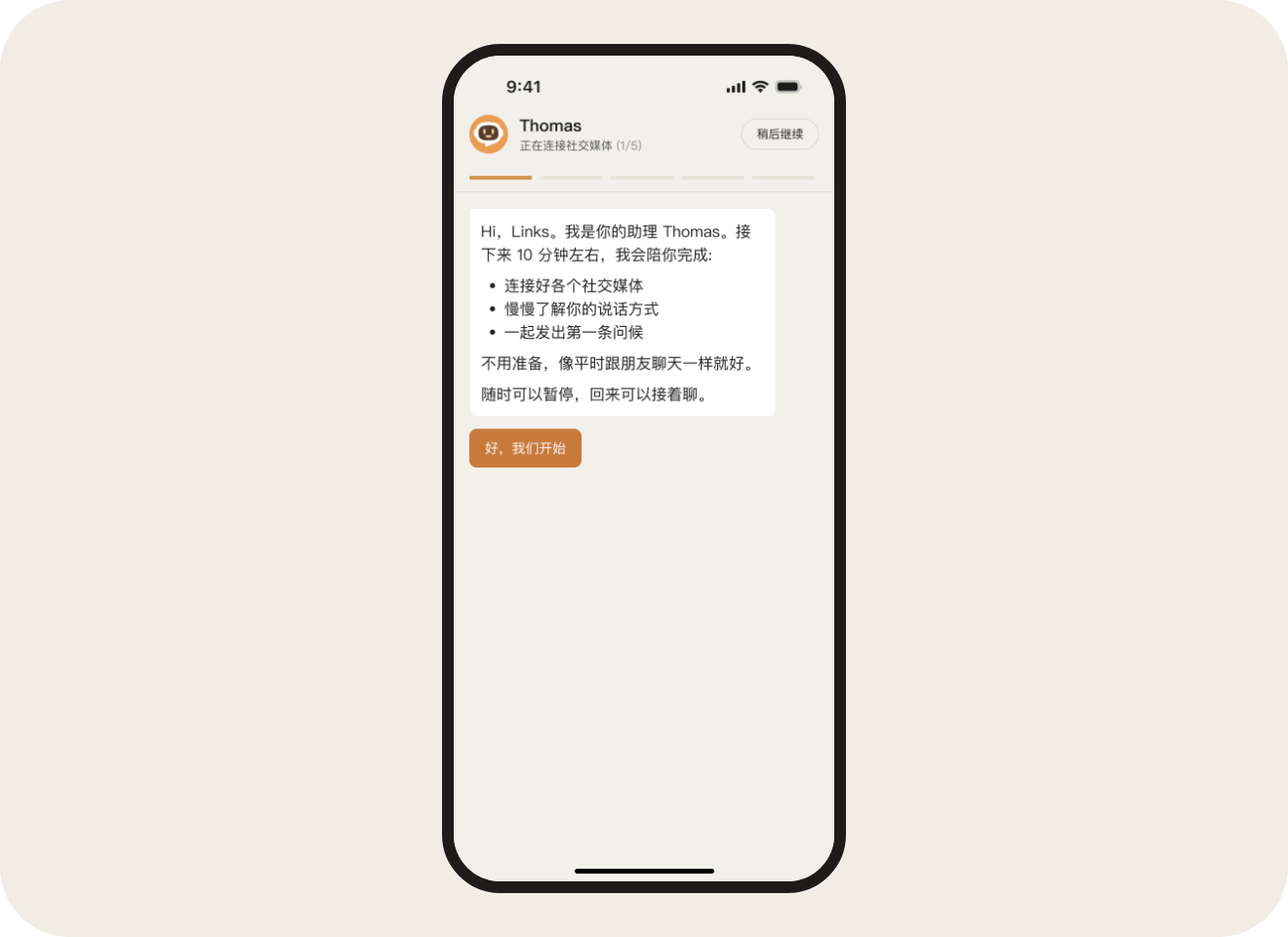
After you sign in, Thomas, your setup assistant, appears in the app and walks you through connecting iMessage on your Mac, step by step.
Check That It's Working
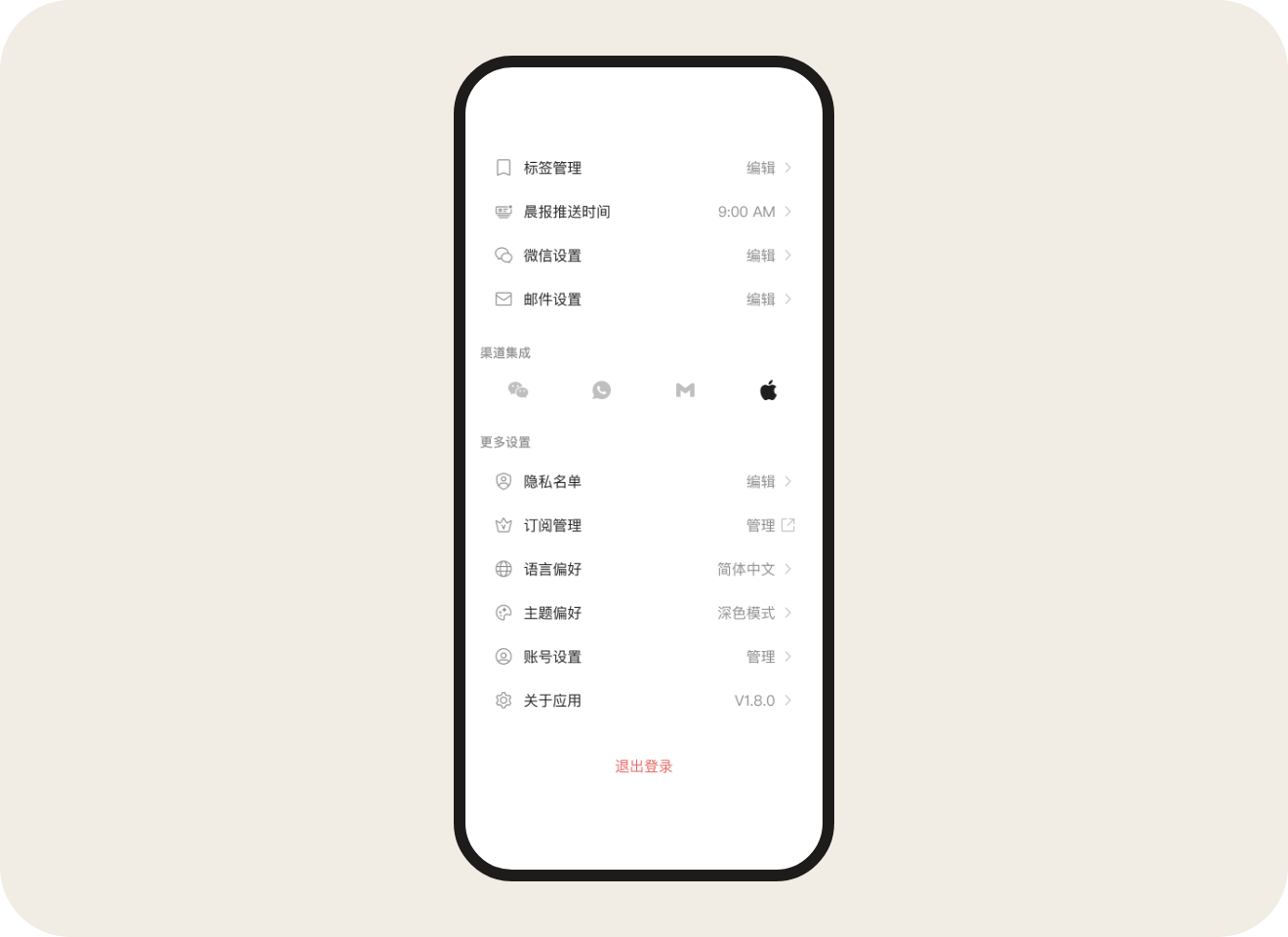
Go to the Me tab and look under Channel Integration. When the iMessage icon lights up, iMessage is connected and your Twin can start working there.
Common Questions
-
Can I use a MacBook?
Yes, as long as it stays on and doesn’t go to sleep. Keep it plugged in, and turn off automatic sleep in your Mac’s System Settings.
-
I signed in but don’t see my plan.
Make sure you signed in with the same email you used to choose your plan on our website. If you used a different email, sign out and sign back in with the right one. If you signed up with Google, tap Continue with Google and choose that same Google account.
-
Which Apple ID should I use?
Use the Apple ID you already use for iMessage with your customers, and sign in to iMessage on the Mac with that same Apple ID.
-
Does the Mac need to stay on?
Yes. Your Twin can only work in iMessage while the Mac is powered on, connected to the internet, and signed in to iMessage. A Mac mini that stays plugged in at home or in the office works well.
-
Can I keep using iMessage on my iPhone?
Yes. As long as your Mac and iPhone use the same Apple ID, your conversations stay in sync and you can keep texting from your iPhone as usual.

